Media and app vault for mobile
AppLock - Lock apps & Pin lock is a free utility application for mobile devices by Sailing Lab: Focus on Security, Booster, Cleaner. It is an app locker that lets users prevent access to apps by imposing locks on them. It offers multiple authentication methods to choose from.
Top Recommended Alternative
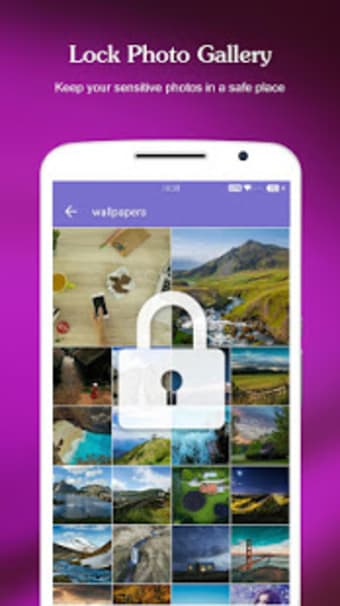
Just like Gallery Vault - Hidden Pictures or Calculator Vault Gallery Lock, AppLock - Lock apps & Pin lock also serves as a gallery vault that lets users move photos inside a hidden vault, so no one can view them. It offers the same security methods used for apps, as well.
Lock apps and hide photos
There are times when friends and family will approach you to borrow your phone. It could be for all kinds of reasons, be it to make emergency calls and text, or simply want to look around. Of course, there are things you don't want them to see or open, thus apps like AppLock - Lock apps & Pin lock can help prevent such things.
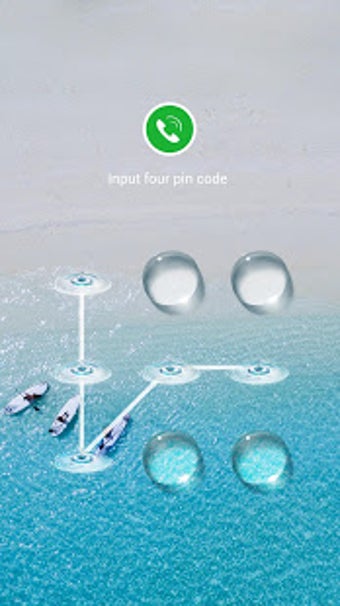
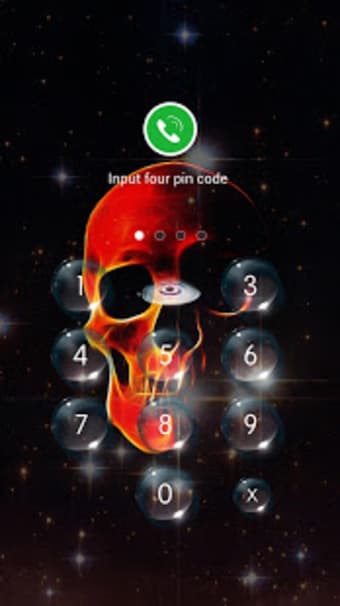
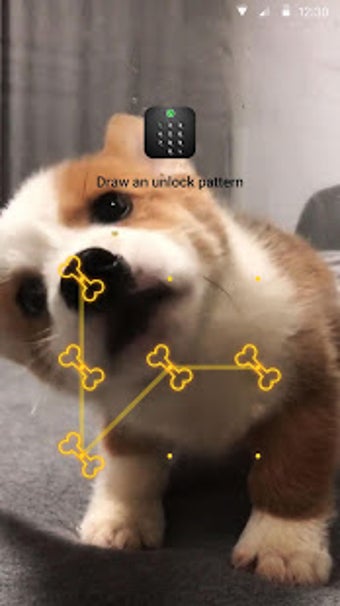
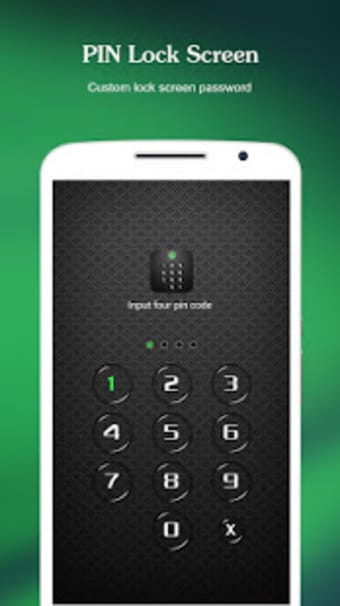
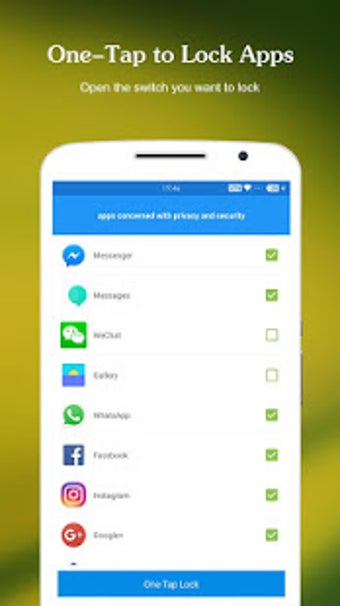
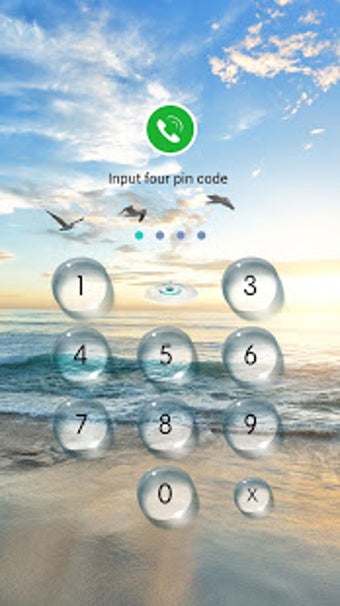
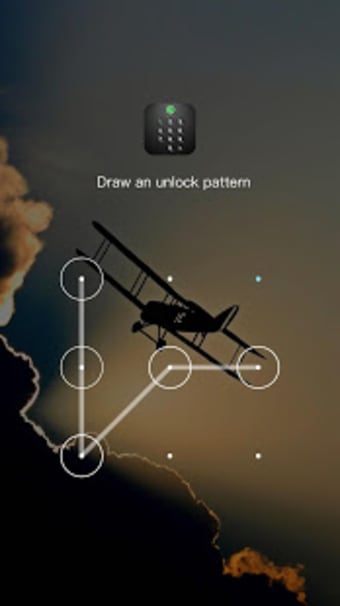
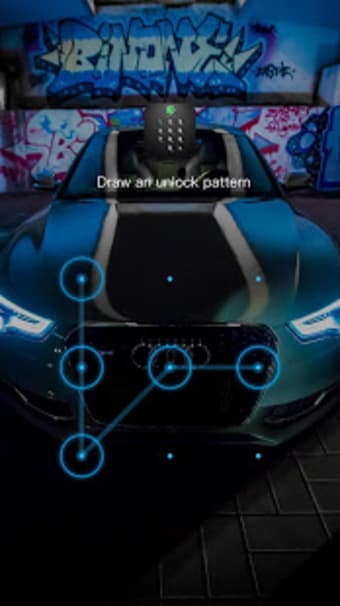
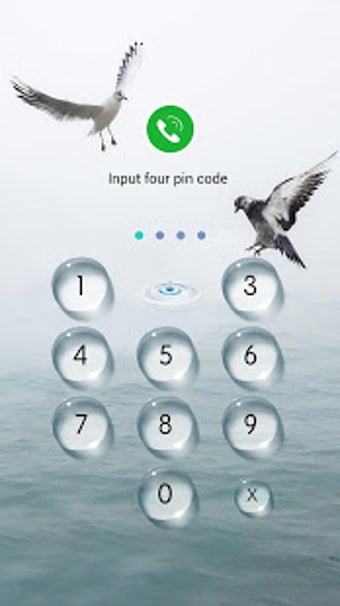
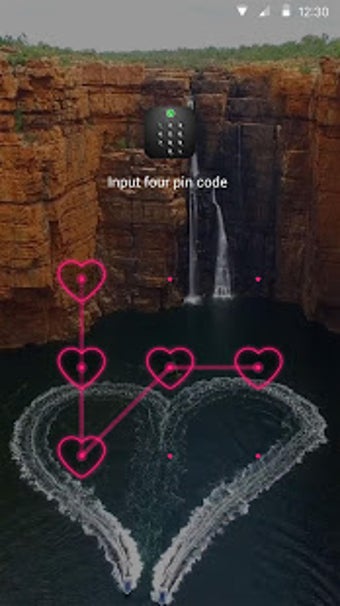
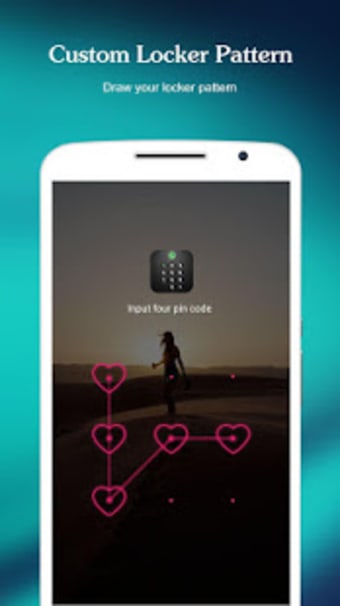
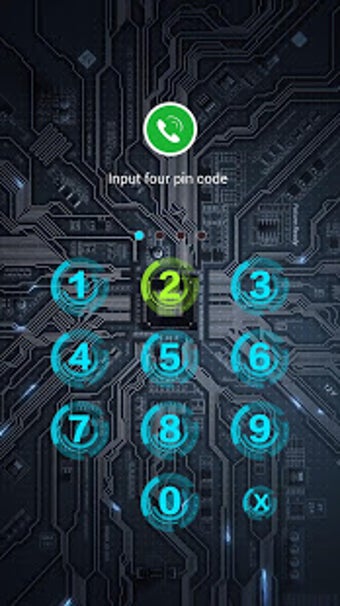
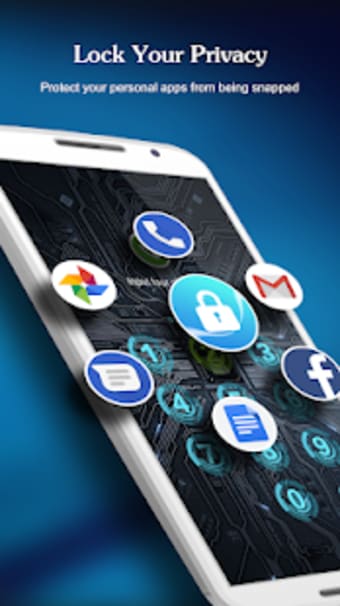
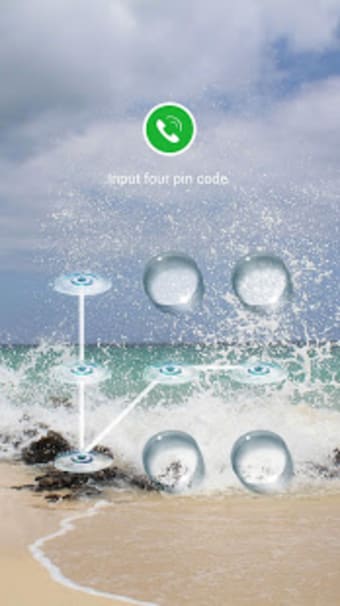
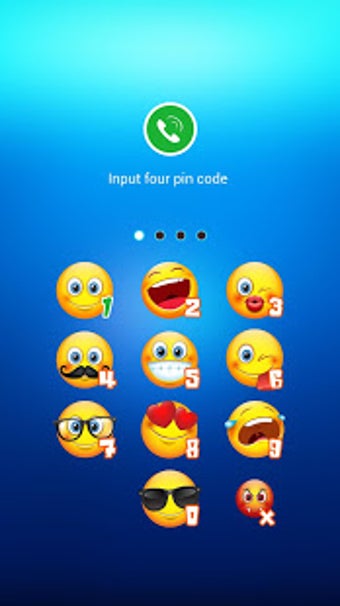
This app acts like a vault that basically lets you lock apps and hide media on your device. For the former, select specific ones or all of your applications. As for the latter, there's a vault to put any photo and video you don't want others to see. Security authentication methods include PIN, pattern, and fingerprint unlocking to choose from as you want.
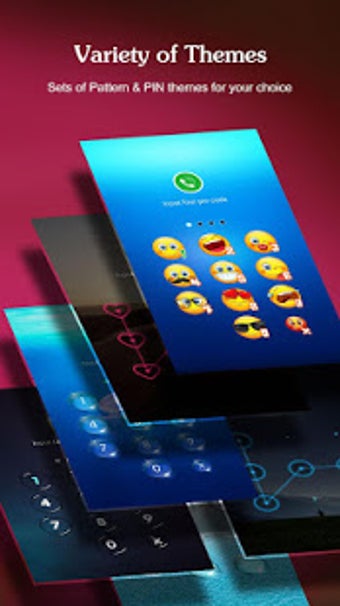
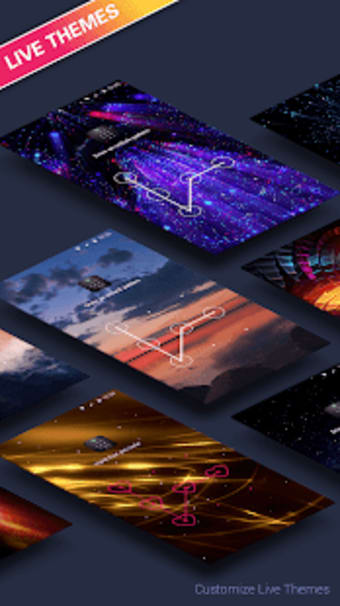
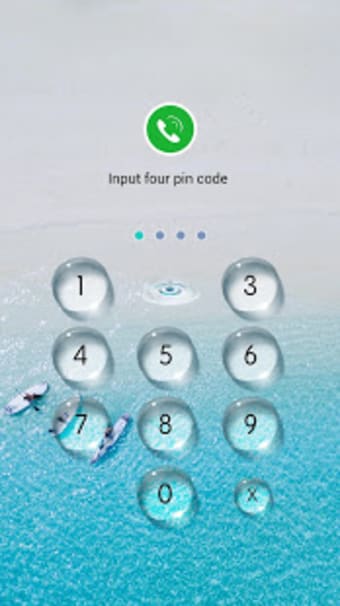
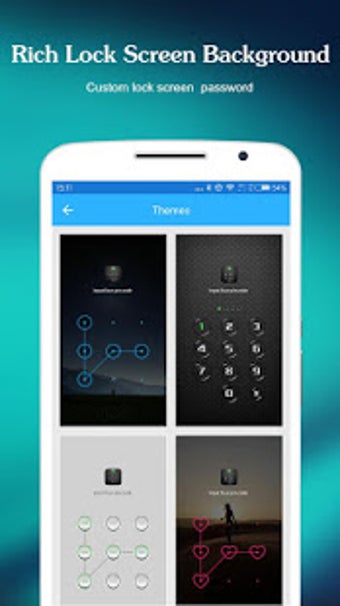
Other handy features include blocking the use of certain functions like Wi-Fi, Bluetooth, and more, as well as an option to prevent apps from being uninstalled without permission. There are even custom themes available to change the look of your lock screen prompt. The only thing worth noting is that the app would randomly stop working, and needs to be restarted to use it again.
Full-featured and customizable
In conclusion, AppLock - Lock apps & Pin lock is quite a capable and feature-rich tool that gives you plenty of options on how to manage your applications and media. The ability to lock certain system functions is a nice bonus that not a lot of others are able to offer. It even allows you to choose a security authentication methods. Give it a try and see for yourself. Highly recommended.
.png)